Let’s put a look together.
Two photos. A little possibility.
Have something specific in mind? Optional
0/600Image generation requires an active subscription.
Your next look starts here.
Add your photos on the left.
We’ll take care of the outfit change.
Clothes Changer —
Try a New Outfit in Your Photo
Change clothes in a photo with your own outfit reference. Upload your photo, add the clothes you want to try, and generate a new look to compare with the original.
Upload your two photos
Add your photo under Your photo, then a product shot or flat lay under Your outfit reference. Use a clear, full-length photo for a whole outfit change.
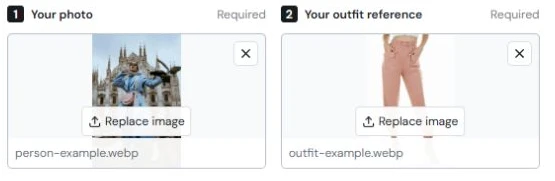 YOUR PHOTO
 Add a little direction
You can also paste an Amazon product link, select Get image, then choose the preview to add it as your outfit reference. Add an optional instruction, such as Keep my shoes, to guide the change.
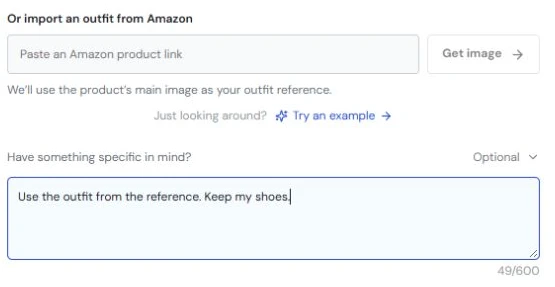 YOUR OUTFIT
 Generate, compare, save
Select Change my outfit and keep the page open. When your new look is ready, use Before & after to compare, then the download icon to save it.
 YOUR NEXT LOOK
 Actual studio screenshots with example photos. Select a screenshot to enlarge it.
See the step-by-step guideWhat ClothesSwitch does
ClothesSwitch is a browser-based clothes changer that visualizes a reference outfit on your photo. It uses two images and optional styling instructions; it does not measure garment fit, identify products from photos or store a digital wardrobe.
Generation requires sign-in and an active paid subscription. See the $4.99 monthly plan and checkout availability. Learn more about the product and our guides.
 A different kind of day.
you-ish.
Try the look.
Keep the you.
A tailored suit for Monday. Something a little bolder for Friday. Or just a color you’ve never tried before.
Our outfit changer helps you explore the possibilities using your own photos and clothing references.
- Go from everyday to occasionwear
- Explore colors, layers, and silhouettes
- Add a little direction with custom instructions
What’s your next look?
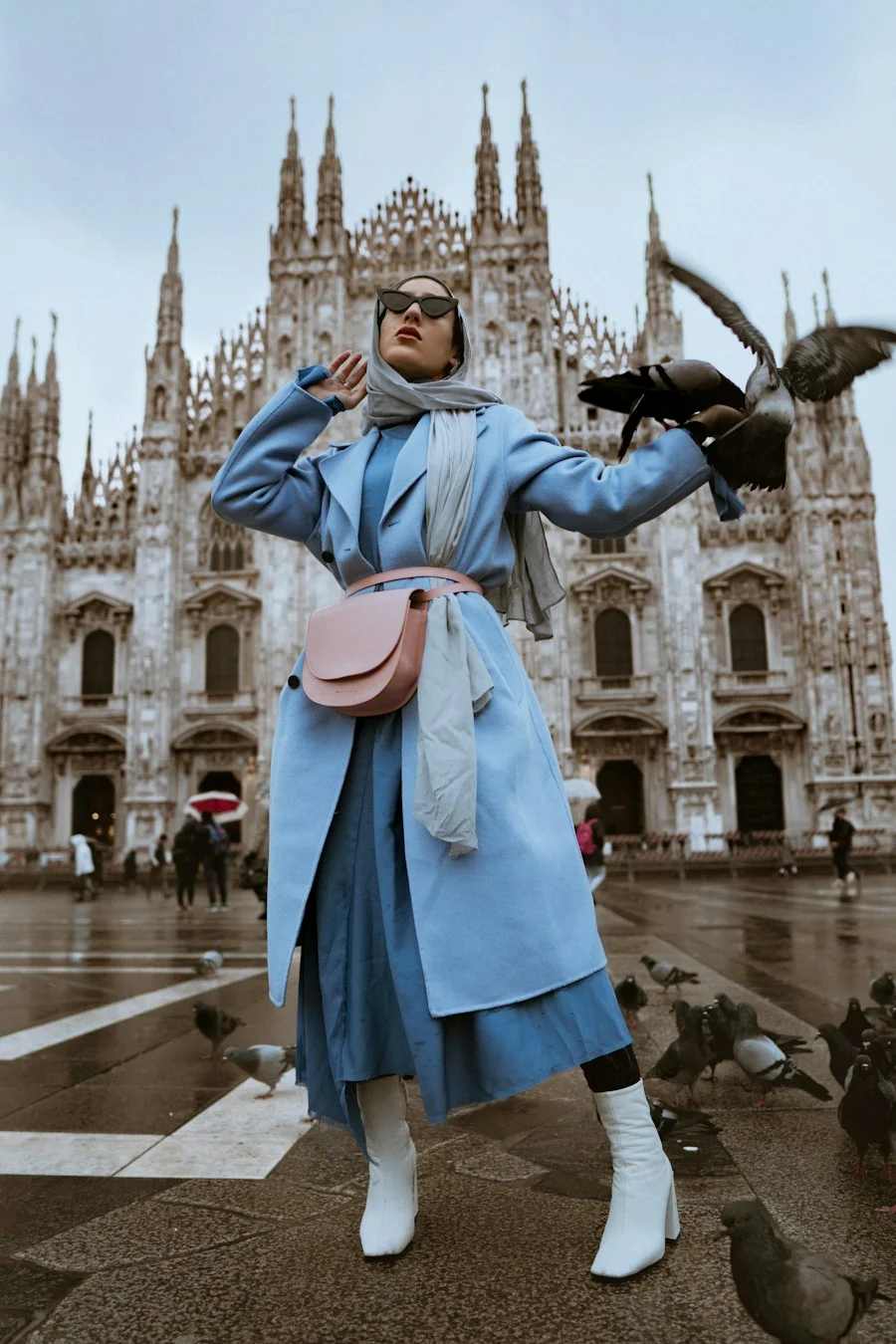 Everyday
The everyday refresh
Work & beyondA little more put-together
OccasionsFor the plans you made
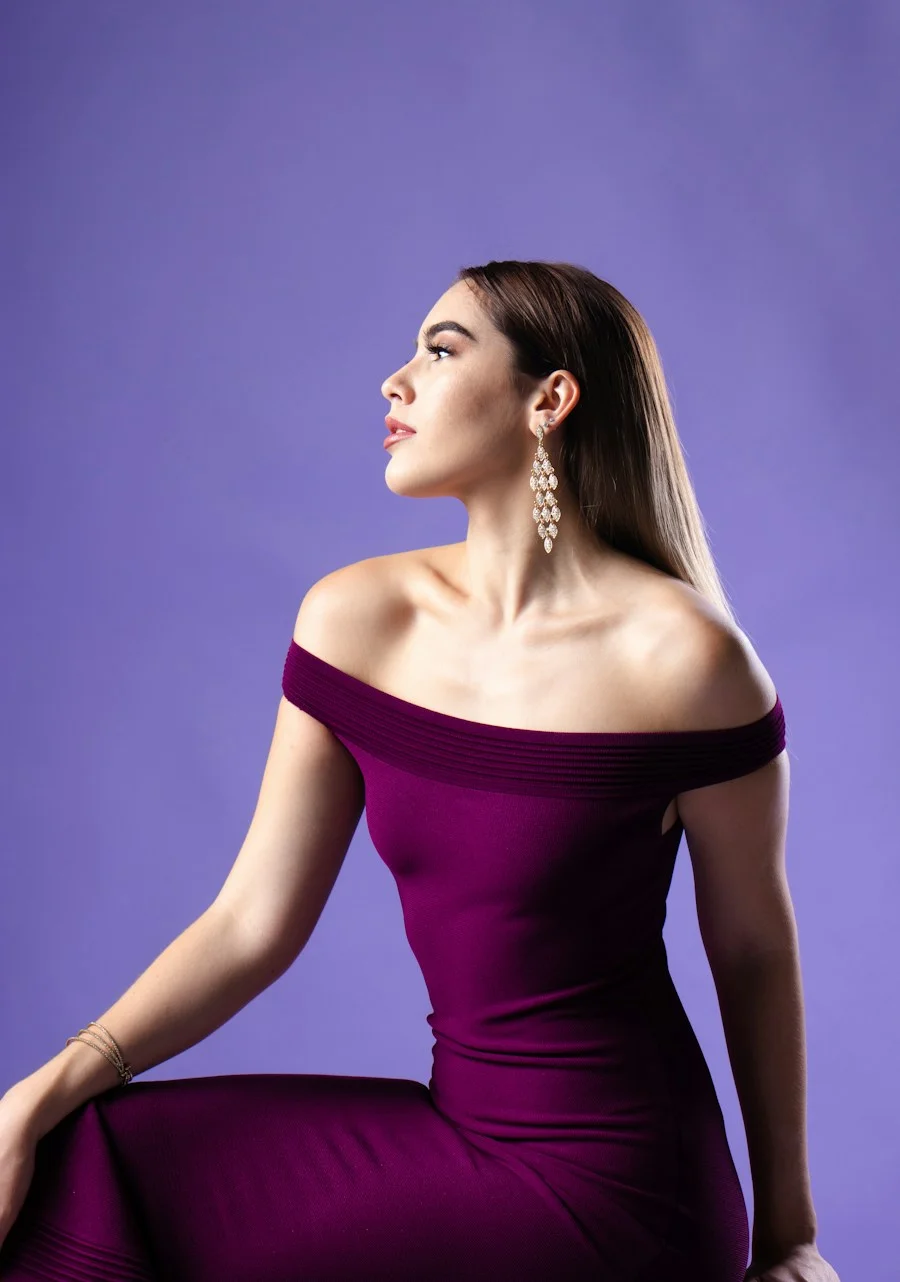
Preview photography for style inspiration. These images are not generated try-on results.
Get more from your photos.
How to Change Clothes in a Photo: A Step-by-Step Guide
Learn how to change clothes in a photo with a clothing reference, optional instructions, and a step-by-step walkthrough of ClothesSwitch.
Read guide Photo editingHow to Change the Color of Clothes in a Photo
Change the color of clothes in a photo with Photoshop, a browser editor, or mobile masking. Follow the steps and fix color bleed, flat fabric, and rough edges.
Read guide Product photographyFlat Lay Clothing Photography: A Practical Guide
Learn flat lay clothing photography with a simple overhead setup, garment styling tips, a lighting diagram, and fixes for shadows, distortion, and color.
Read guideLet’s clear
things up.
Curious about the changing room?
Here’s what to know before you try.
What is a clothes changer?
A clothes changer edits the outfit in a photo using a clothing reference. Upload a picture of yourself and a picture of the clothes you want to try. ClothesSwitch uses both images to create a new outfit visualization.
How do I change clothes in a photo?
Choose a clear, well-lit photo with one adult. Add a reference image of your outfit and select Change my outfit after signing in with an active paid subscription. You can add optional instructions such as ‘tuck the shirt in’ or ‘keep my shoes’.
Will my face and background stay the same?
The editor is instructed to preserve your face, hairstyle, pose, body shape, and background. AI can still change small details, so compare your original and result before using or sharing an image.
Which clothing photos work best?
Use a sharp product photo, a flat lay, or a photo where the garment is clearly visible. Avoid busy backgrounds and heavily folded clothing. Visible patterns, seams, and colors give the editor better information.
Do I need a subscription to generate images?
Yes. Image generation requires sign-in and an active paid subscription. You can sign in with Google or an email verification code. Studio Monthly costs $4.99 USD per month, with applicable taxes shown at checkout. Signing in alone does not unlock generation. Visit Pricing for checkout availability and manage renewal from Subscription & billing in your account menu.
Are my uploaded photos saved?
This version does not save your uploads or results to a ClothesSwitch database. Images are processed in memory and sent to the configured image provider when you generate. Read the privacy notice for details about the provider and handling.
Can I import clothing from an Amazon link?
You can paste a supported Amazon product link and select Get image. Review the product preview below the field, then select it to add it as Your outfit reference. Fetching alone does not replace your current reference. If the link cannot be imported or shows the wrong item, upload a clothing image instead.
Can I change only the color of my clothes?
ClothesSwitch is a reference-based outfit visualization tool. You can add color instructions, but it has no garment-selection mask or dedicated color picker and cannot guarantee a color-only edit. For precise recoloring of the original garment, use a photo editor with local masks and color adjustments.
Is this a real fitting or sizing tool?
No. ClothesSwitch creates an outfit visualization. It cannot measure your body, guarantee a garment’s fit, or reproduce every logo and fabric detail. Use the retailer’s size guide before buying.
Same you.
A little more possibility.✳
Let’s try something on Your photo. Your next look. Create with a subscription.